
Item: 9962-WG
Adapt to any brand watering accessory
Spend $159+ to unlock your free Father's Day Gift
|
Ordered Sep 10 |
Order Ready Sep 11 - Sep 13 |
Order Delivered Sep 18 - Sep 25
|
Free delivery within Australia for all orders $99 or more. Orders under $99 incur a $7.95 delivery fee.
We offer free returns & a 30-day money back guarantee on any purchase that does not meet your expectations. Simply email us at hello@hoselink.com.au

Free delivery on orders over $99

30-day money back guarantee

Free returns or exchanges


Shop now, pay later. Always interest-free.
We've made it easier than ever to get what you want, when you want it.
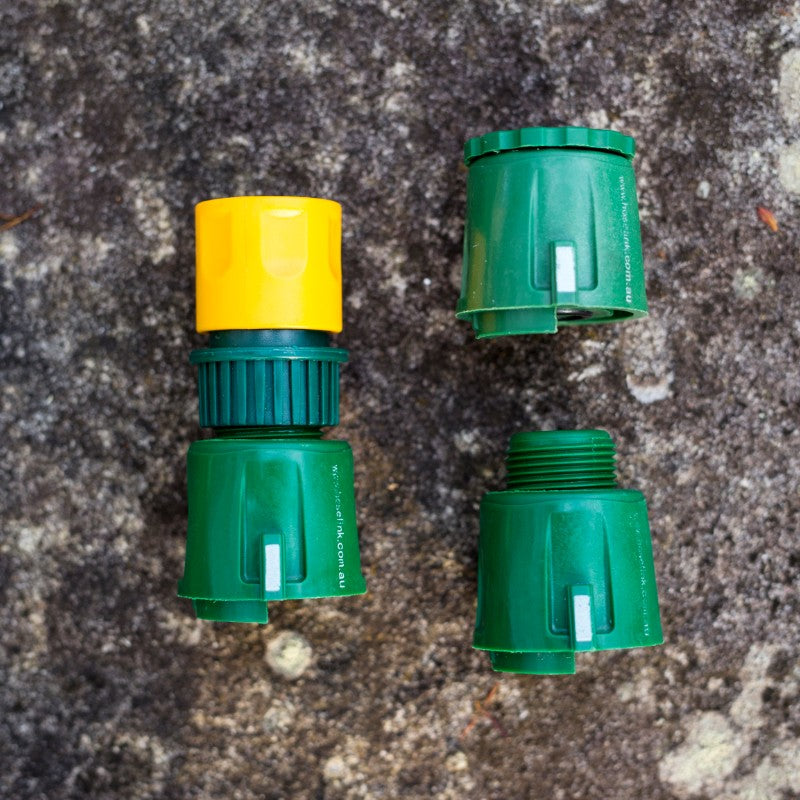
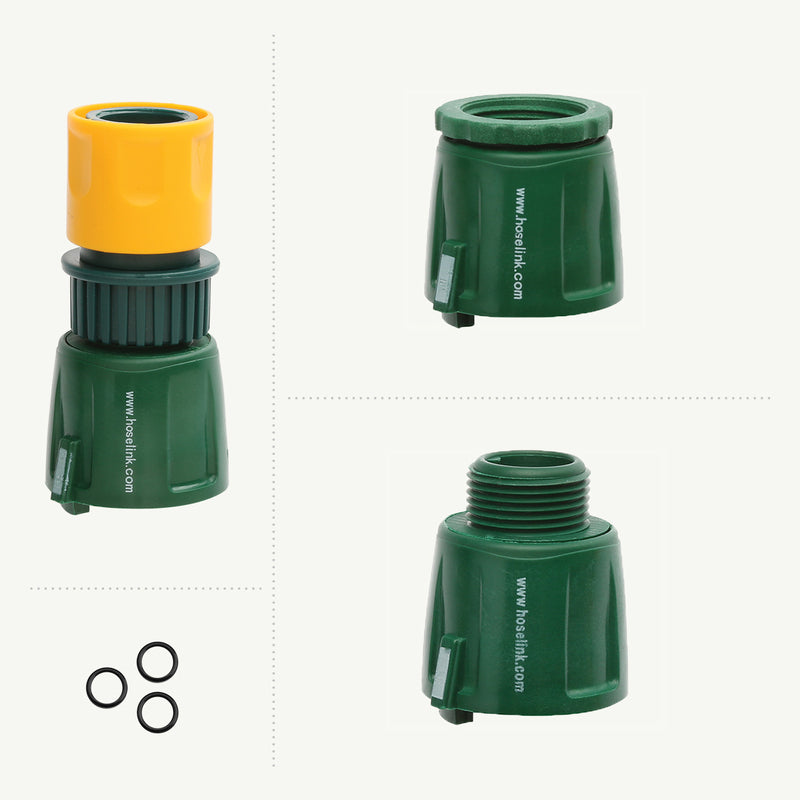
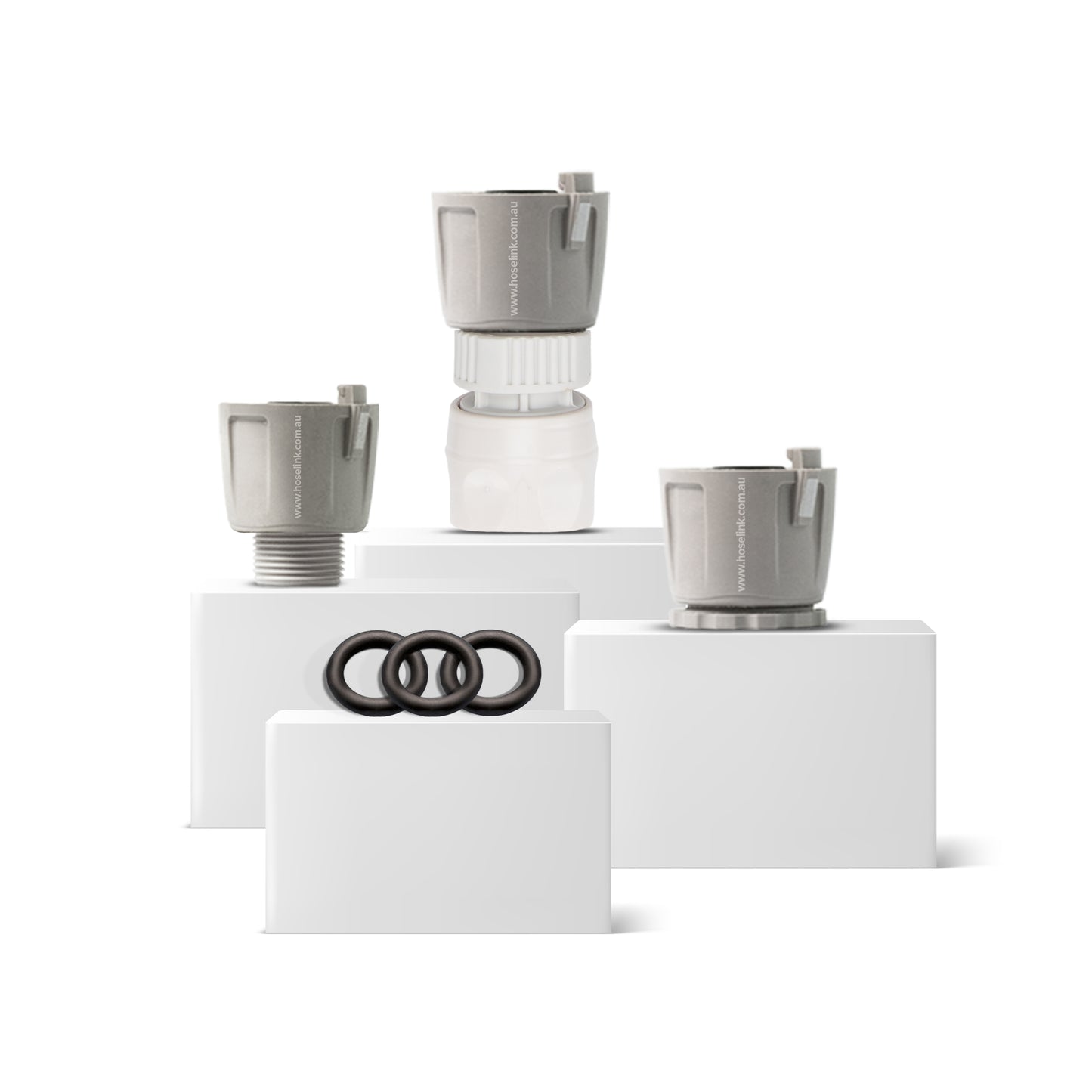
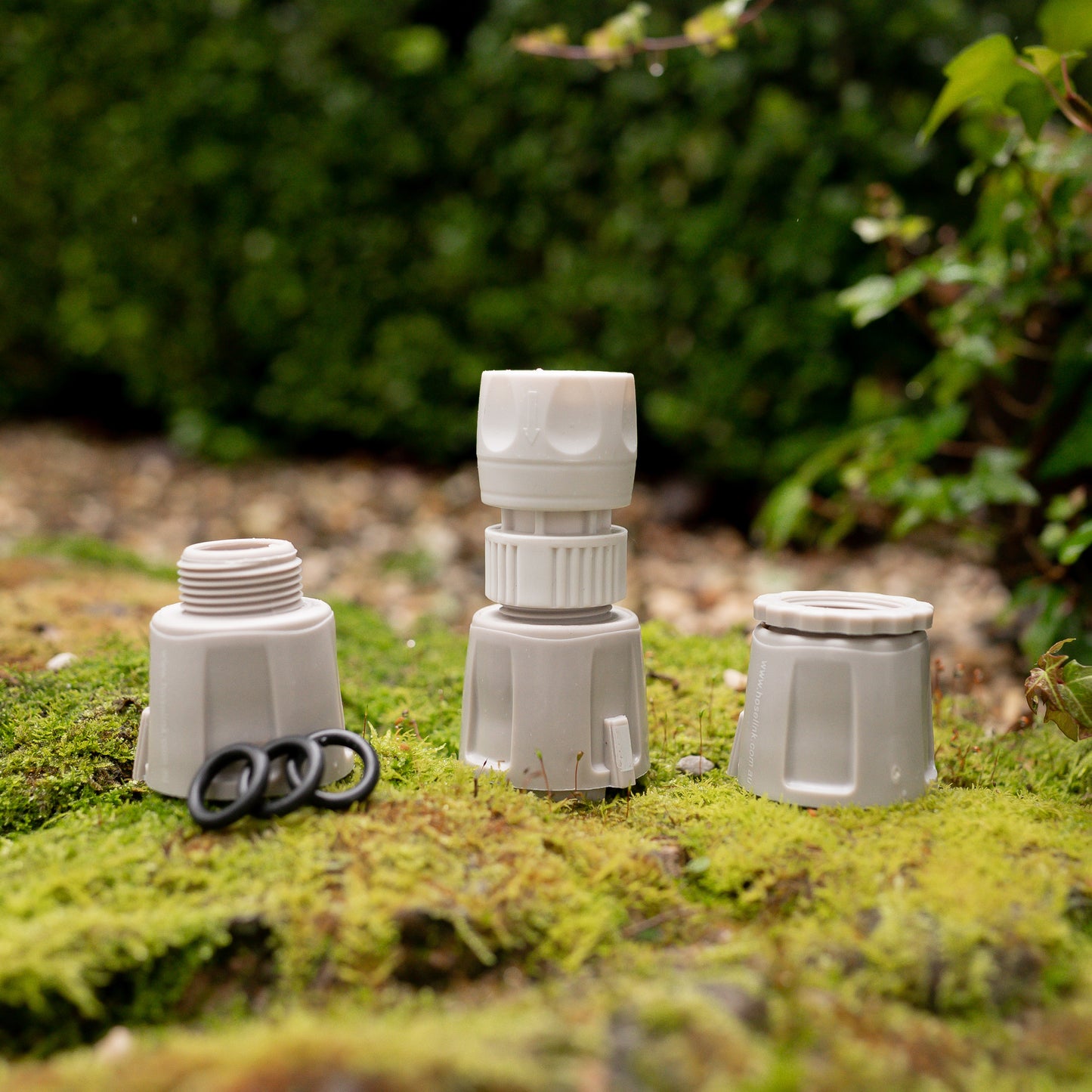
Helpful additions to the Adapter Pack
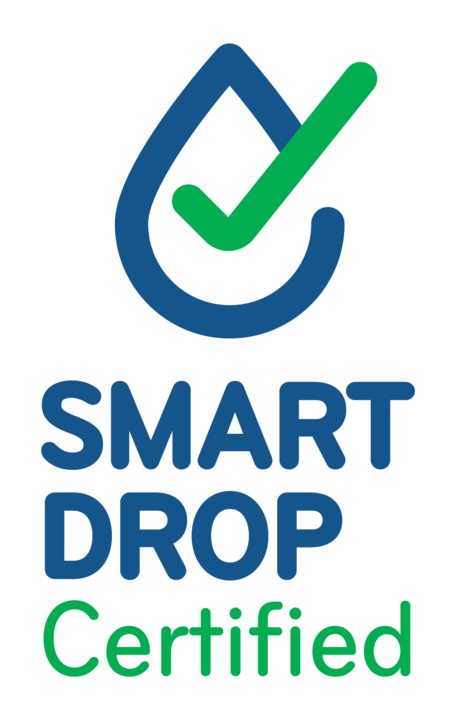
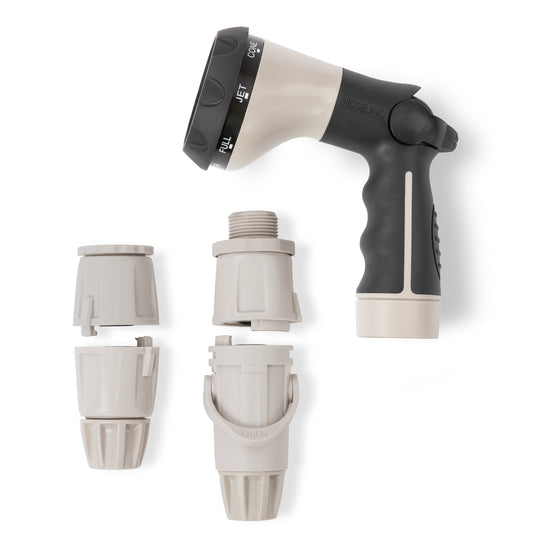

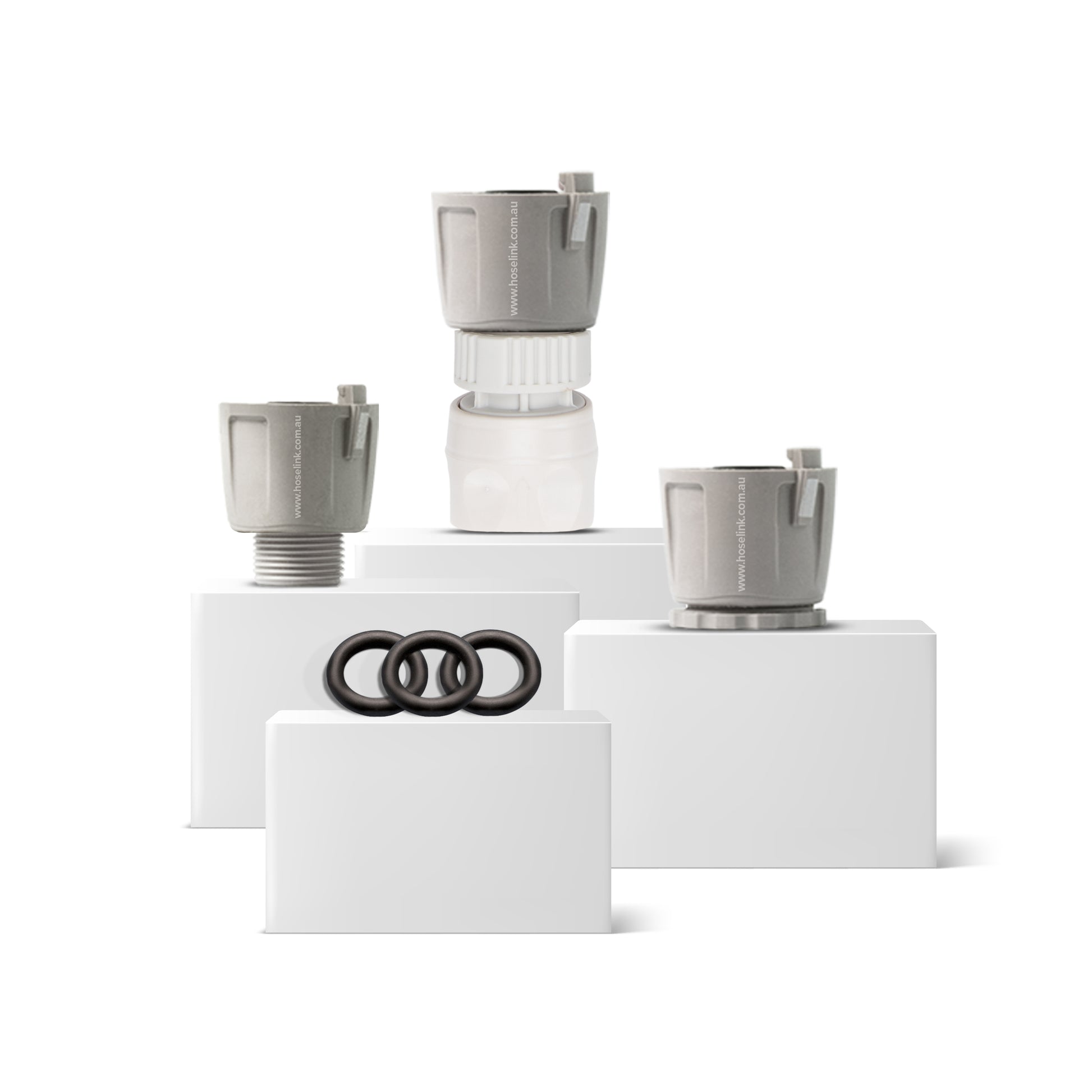
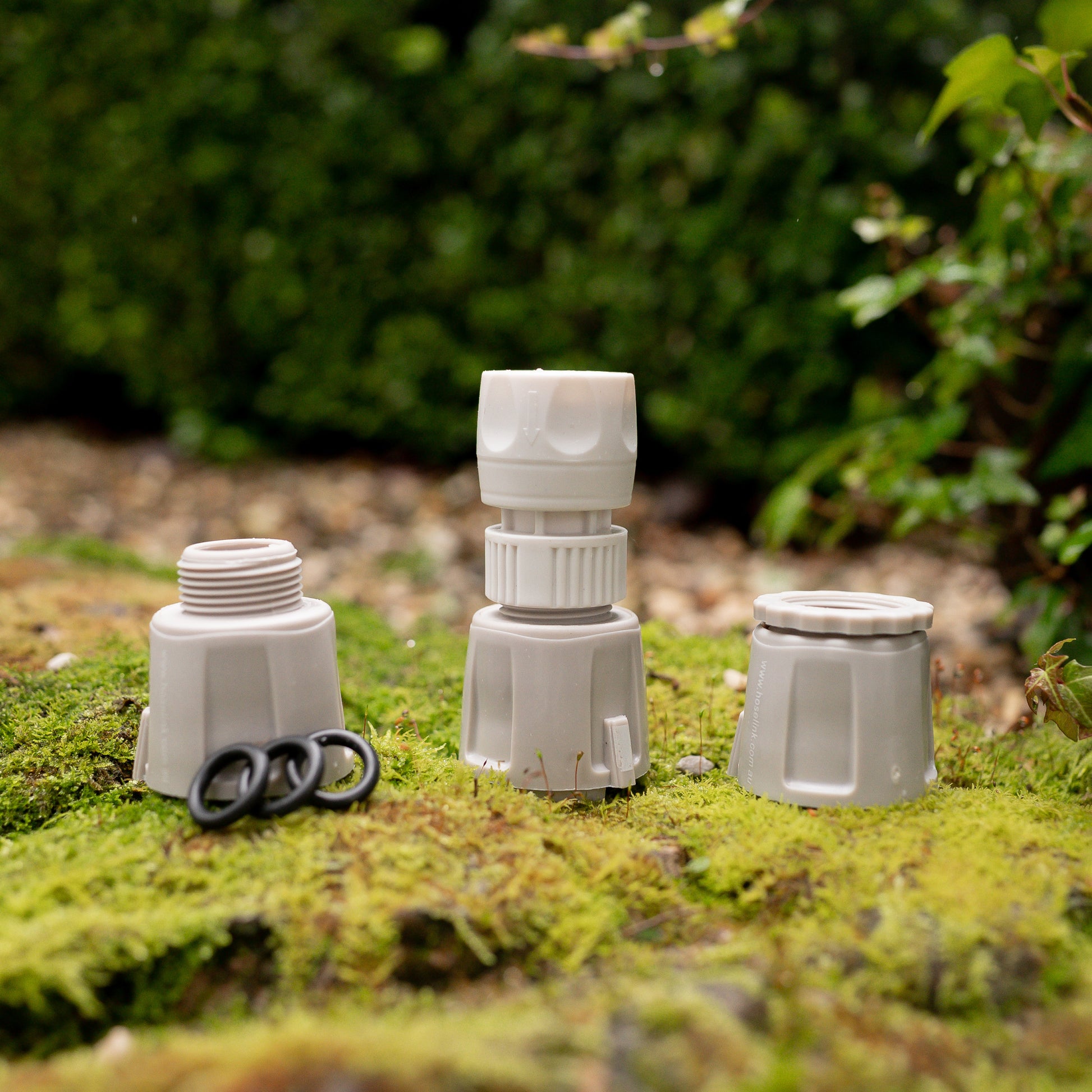
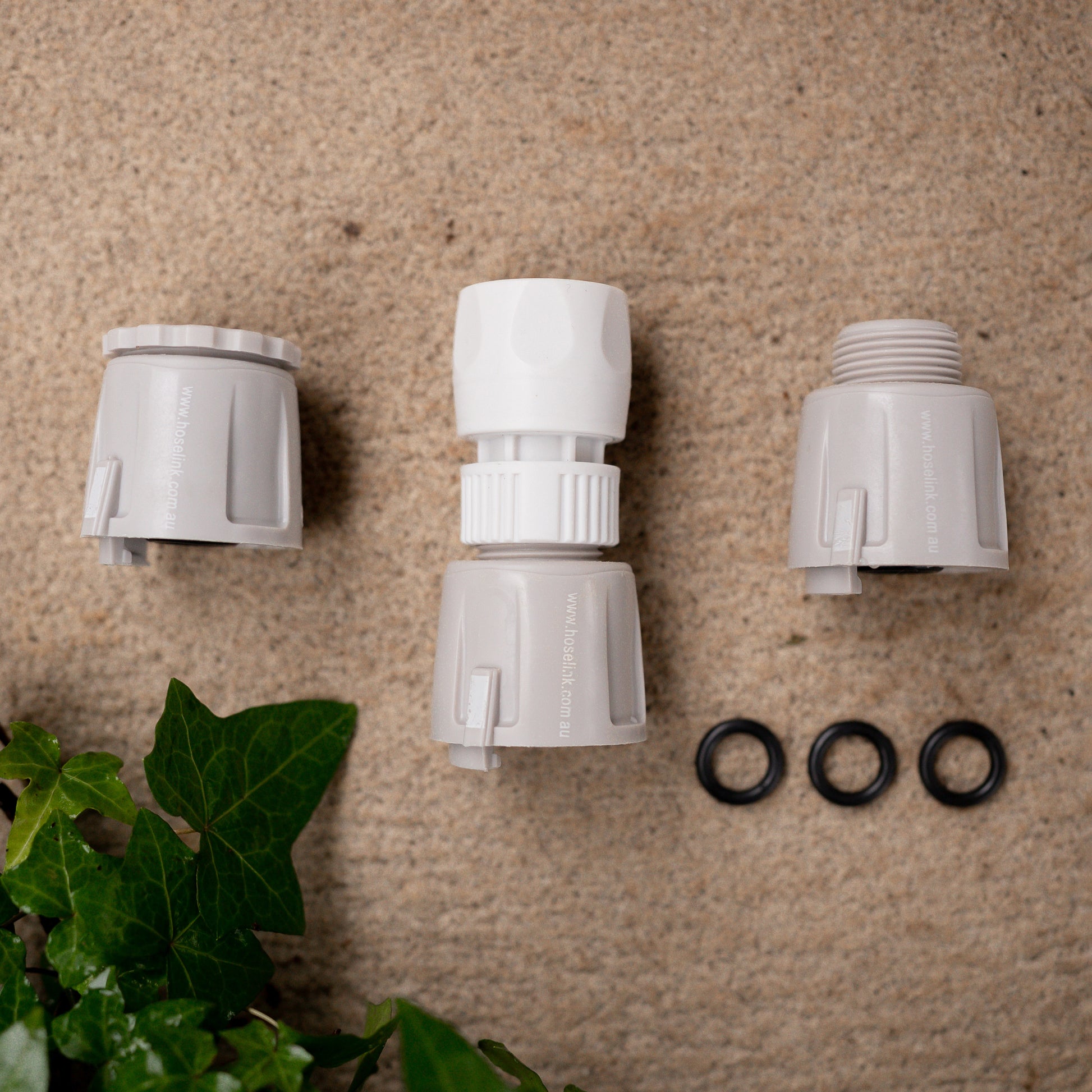
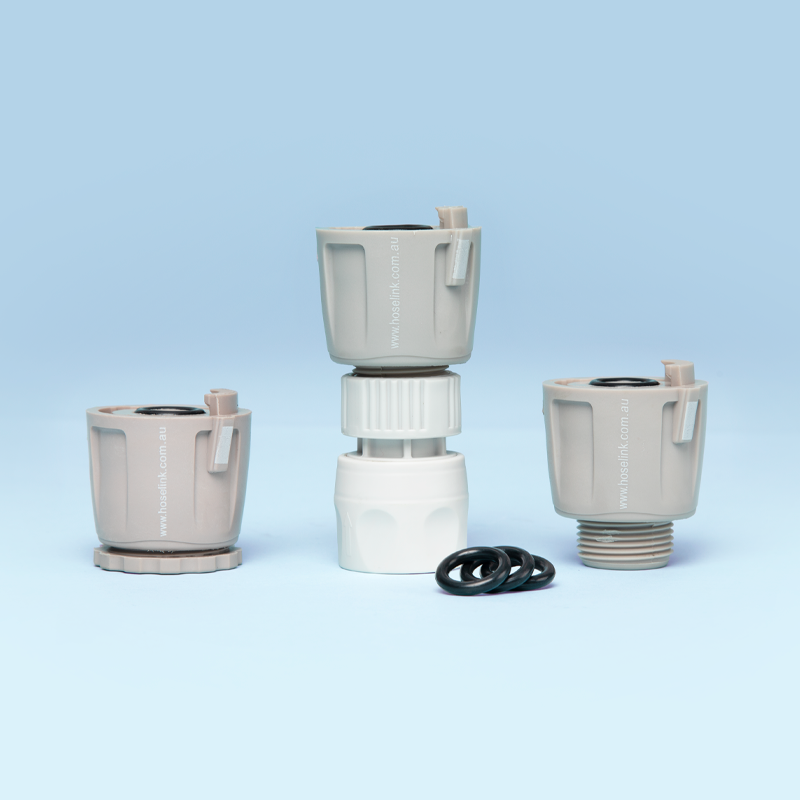
Ensure you can connect your Hoselink hose to anything, anytime with this handy pack of extra connectors. This means you can always convert to a variety of different connections on other watering equipment you may already have.
This pack includes:
All Hoselink fittings are BPA and lead free
| Model Name | Accessory Conversion Bundle |
| Model Number | 9962 |
| Assembly Required | Yes (please see Fitting Instructions) |
| Individual Item | No |
| Warranty | As per individual items |
| Items Included |
Q. Can I change any of the items in this bundle?
A. Unfortunately the items in this bundle cannot be edited or changed.
Q. Why would I need the additional connectors? Don't I just need a starter kit?
A. You can certainly just start with one of our Starter Kits, however most people find they have a sprinkler they'd like to keep using, or in spring they might want to use some weed'n'feed spray on their lawn. The adaptors included will ensure you can still connect to these other items to your new Hoselink fittings.
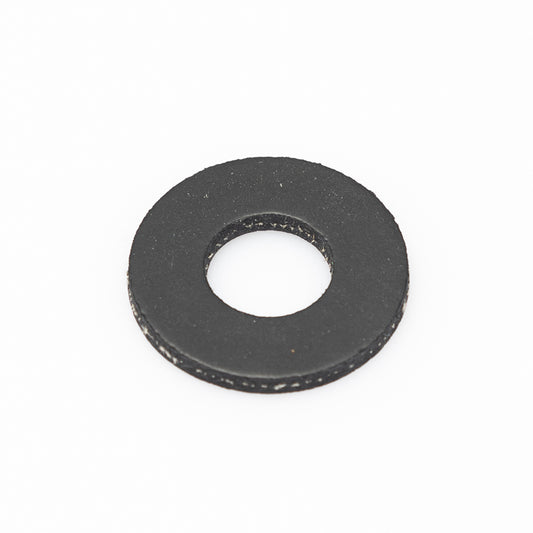
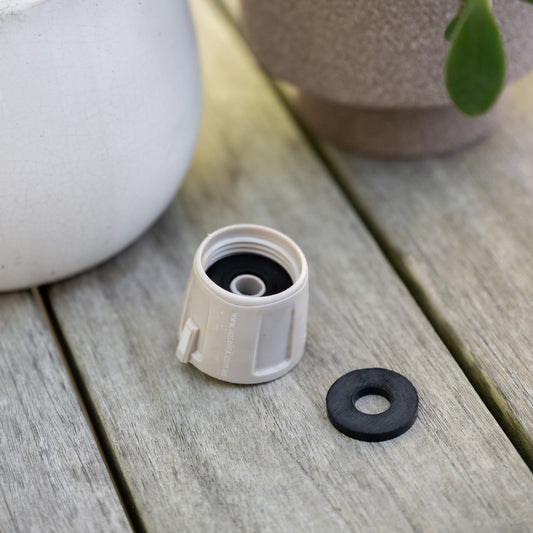
Item: 2751-2
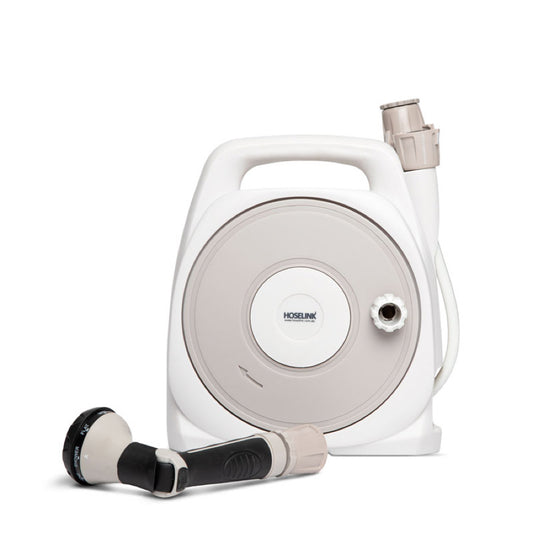
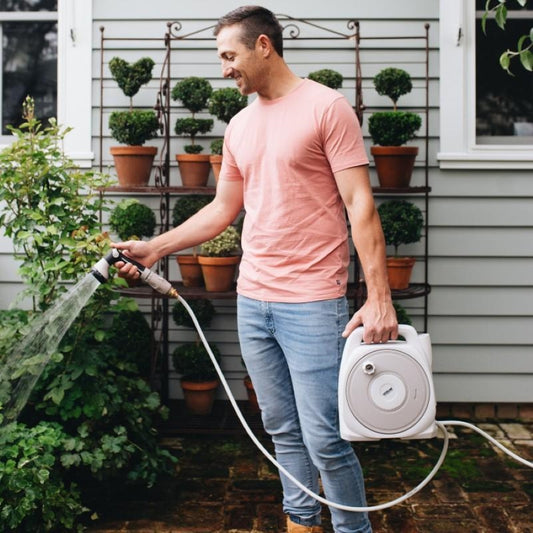
Item: 3590-WG
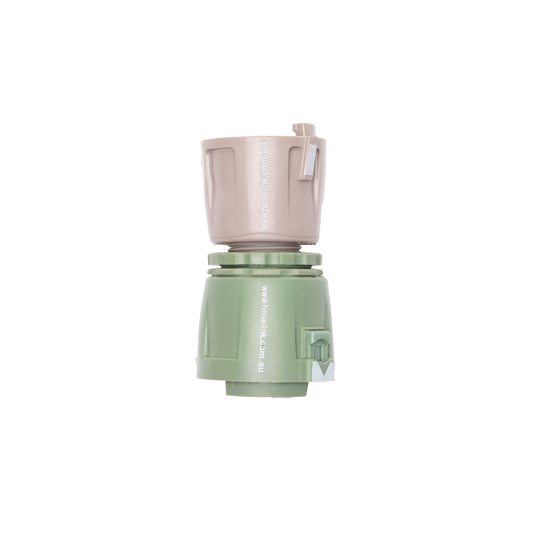
Item: 2595-WG
Item: 5518-WG