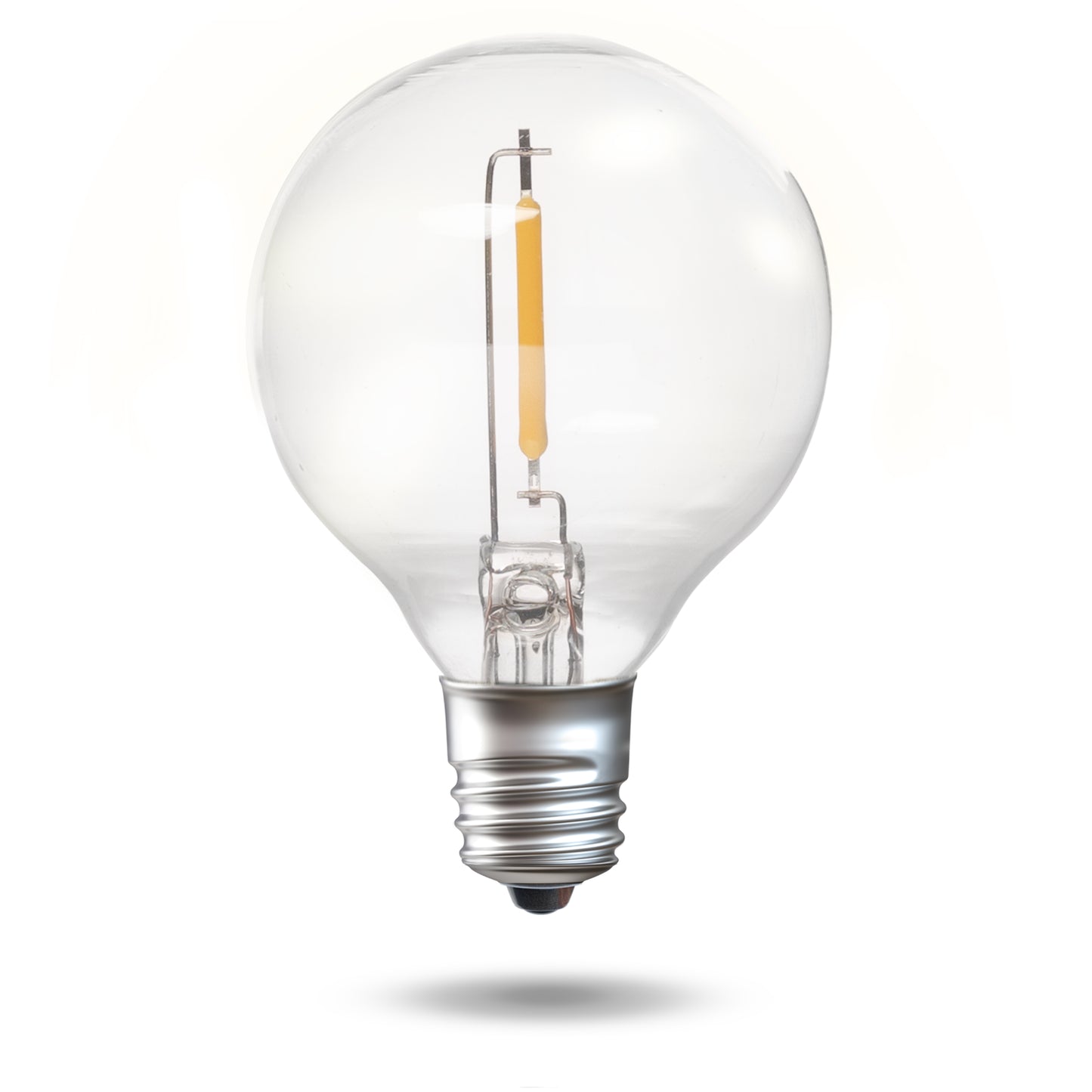
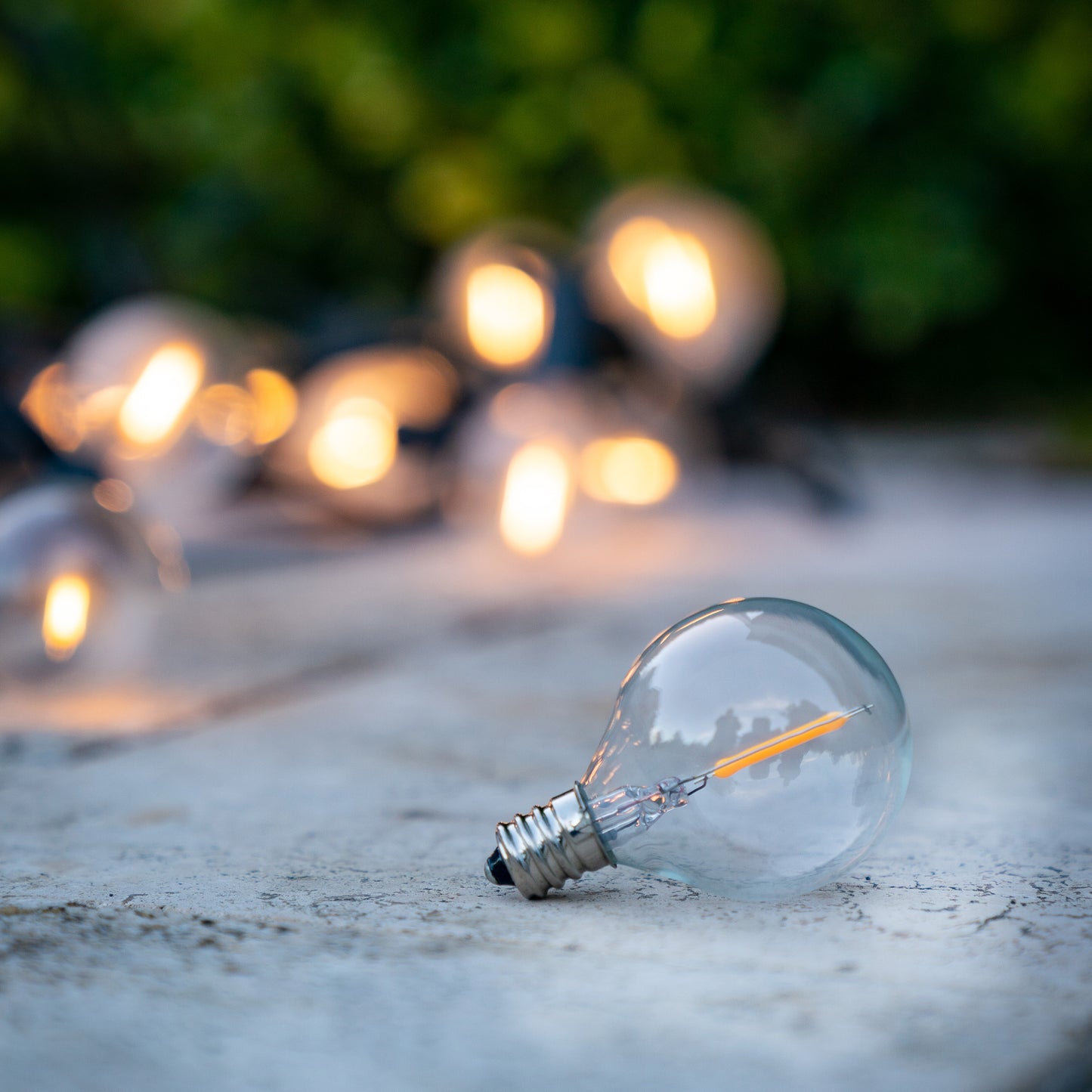
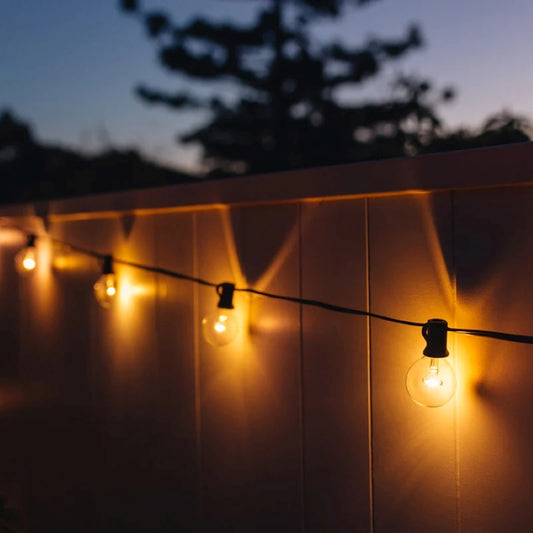
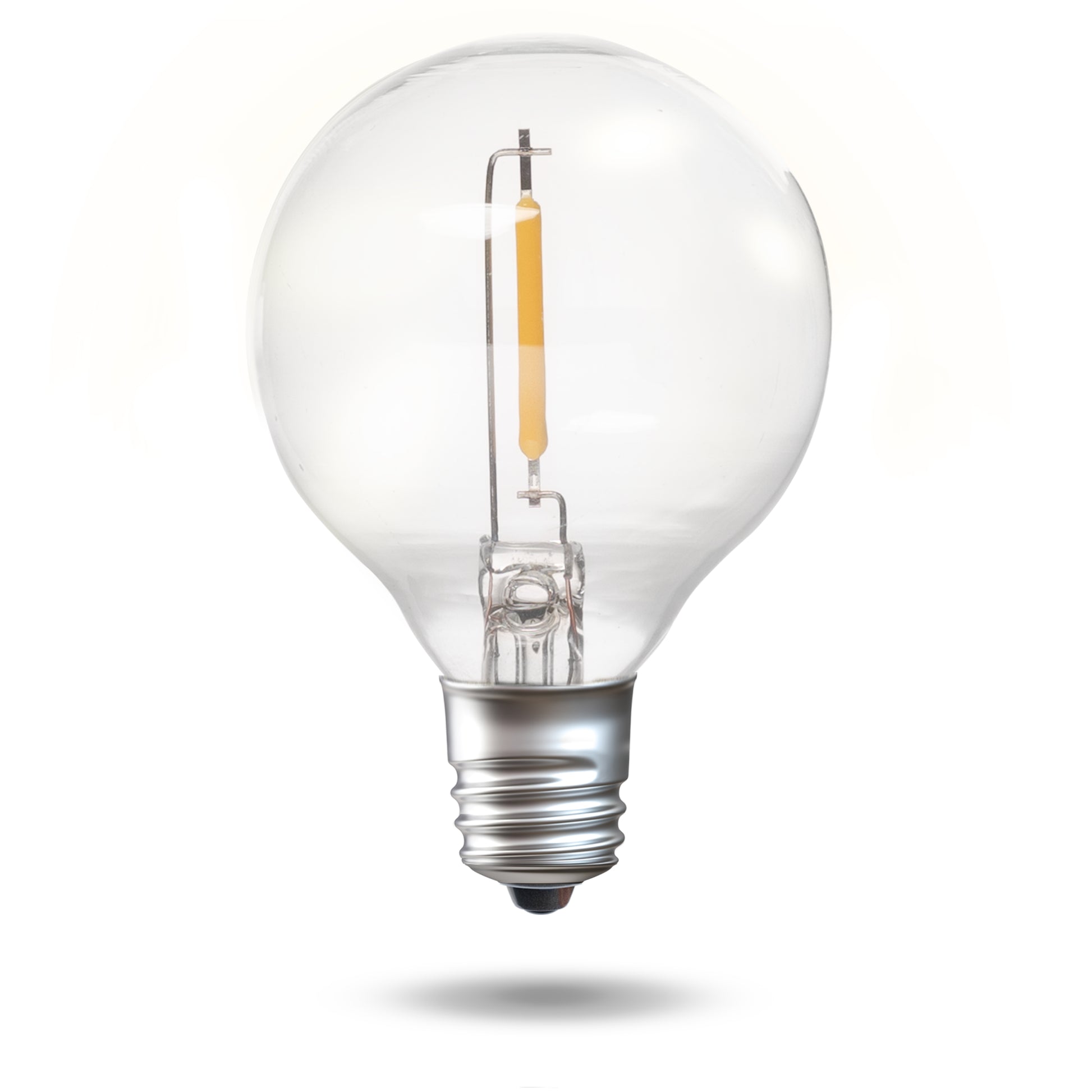
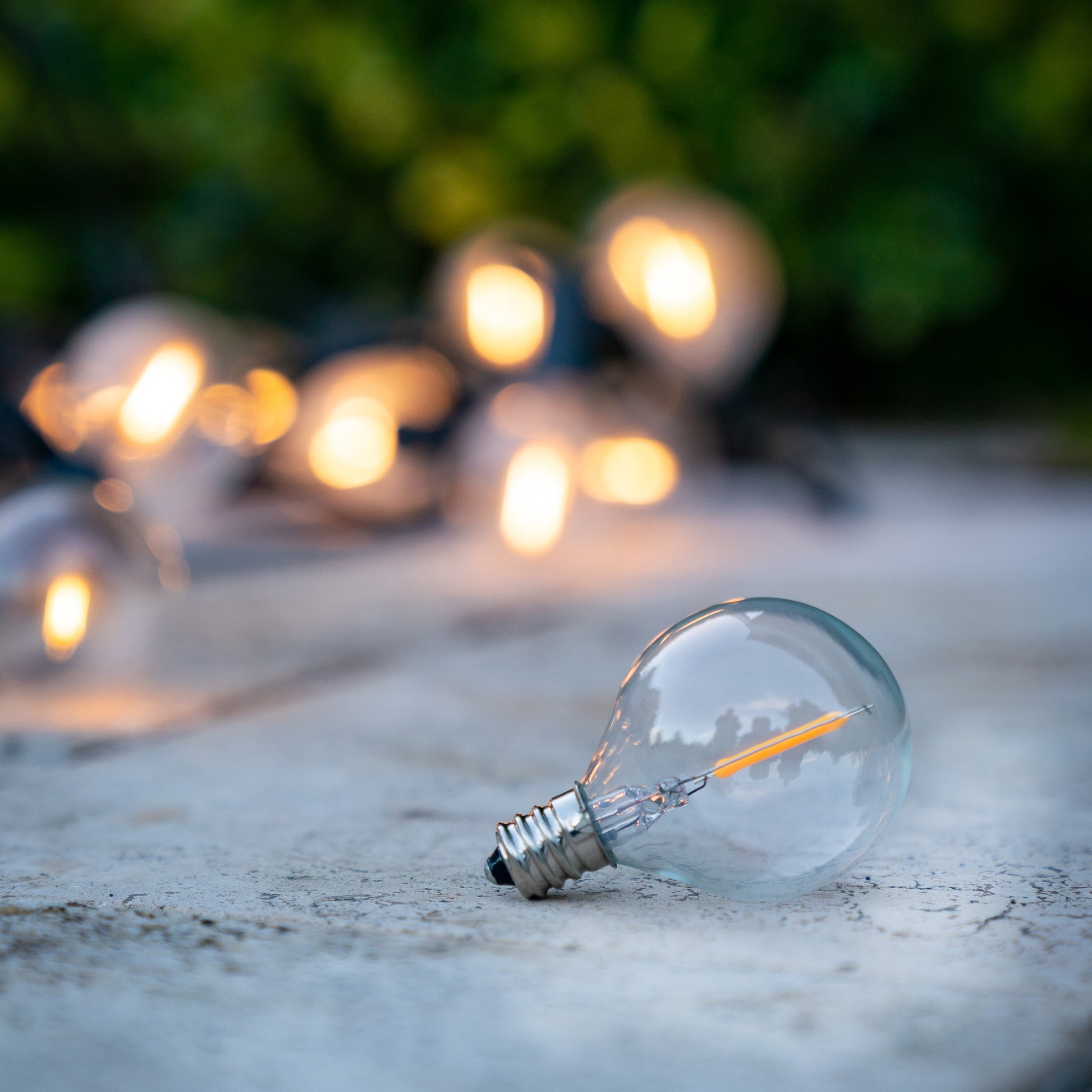
Replacement bulb for your Warm White or Cool White Solar Festoon Lights.
Includes one bulb only.
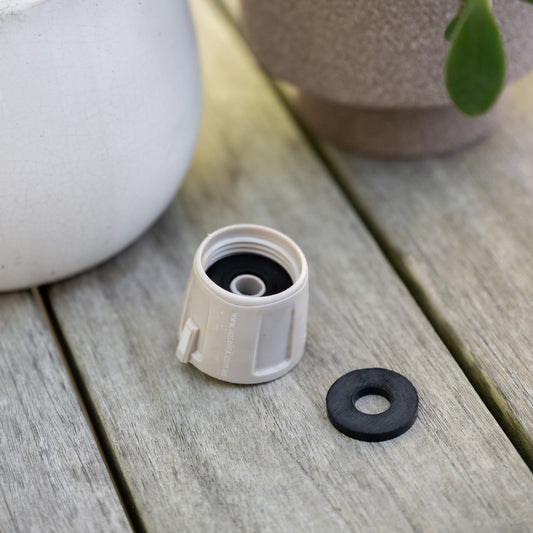
Please note: These parts are made specifically for Hoselink's Solar Festoon Lights and are not suitable for other uses. You are unlikely to find suitable Hoselink parts at your local hardware store.
If you are purchasing a Starter Set, please note it comes with 2 spare bulbs included.
Generated by AI from 40 most recent customer reviews
Last updated 2 weeks ago
Customers say these solar festoon lights provide a lovely warm glow and work well for outdoor entertaining areas. Many appreciate that the lights hold their charge throughout the night and continue working reliably for years. Users find the bulbs easy to replace when needed. However, frequent comments address the fragility of the glass bulbs, with many noting they break easily during installation or in windy conditions. Some mention the cord from the solar panel to the first bulb could be longer. While customers value having spare bulbs available, a few note replacement bulbs may differ slightly in size or filament orientation from originals.
Lovely warm and lively glow. Perfect for our bbq entertaining area.
CF
Carol F.
Verified Buyer
I recommend this product
Rated 5 out of 5 stars
1 month ago
Hoselink products
I have purchased many of Hoselink products and found them high quality, lasting and reliable. Highly recommend this company. Also it is Australian.
JR
Julie R.
Verified Buyer
I recommend this product
Rated 5 out of 5 stars
2 months ago
Spare bulbs
I purchased some spare bulbs because a couple of original bulbs weren’t working. I unscrewed the non working bulb..gave it a quick wipe and replaced it….worked perfectly.
So…I have spare bulbs that I don’t need just waiting for a breakage…better to be sure than sorry
"This is performing exceptionally well after several weeks of use. Cannot fault it."
Item:
5518-WG
4.5
Rated 4.5 out of 5 stars
140 Reviews
Was
Unit price
/ per
1 / of4
Choosing a selection results in a full page refresh.
PayPal Pay Later Messaging
Step 1: Choose message placement
Click the button below and then hover over your page to select a placement.
Step 2: Paste and save
You have copied the placement for the Product Page.
Go back to the App Embeds section, and in the Paypal Advanced Settings, paste the copied value into the
Product Page field and click the 'Save' button in the top right corner.