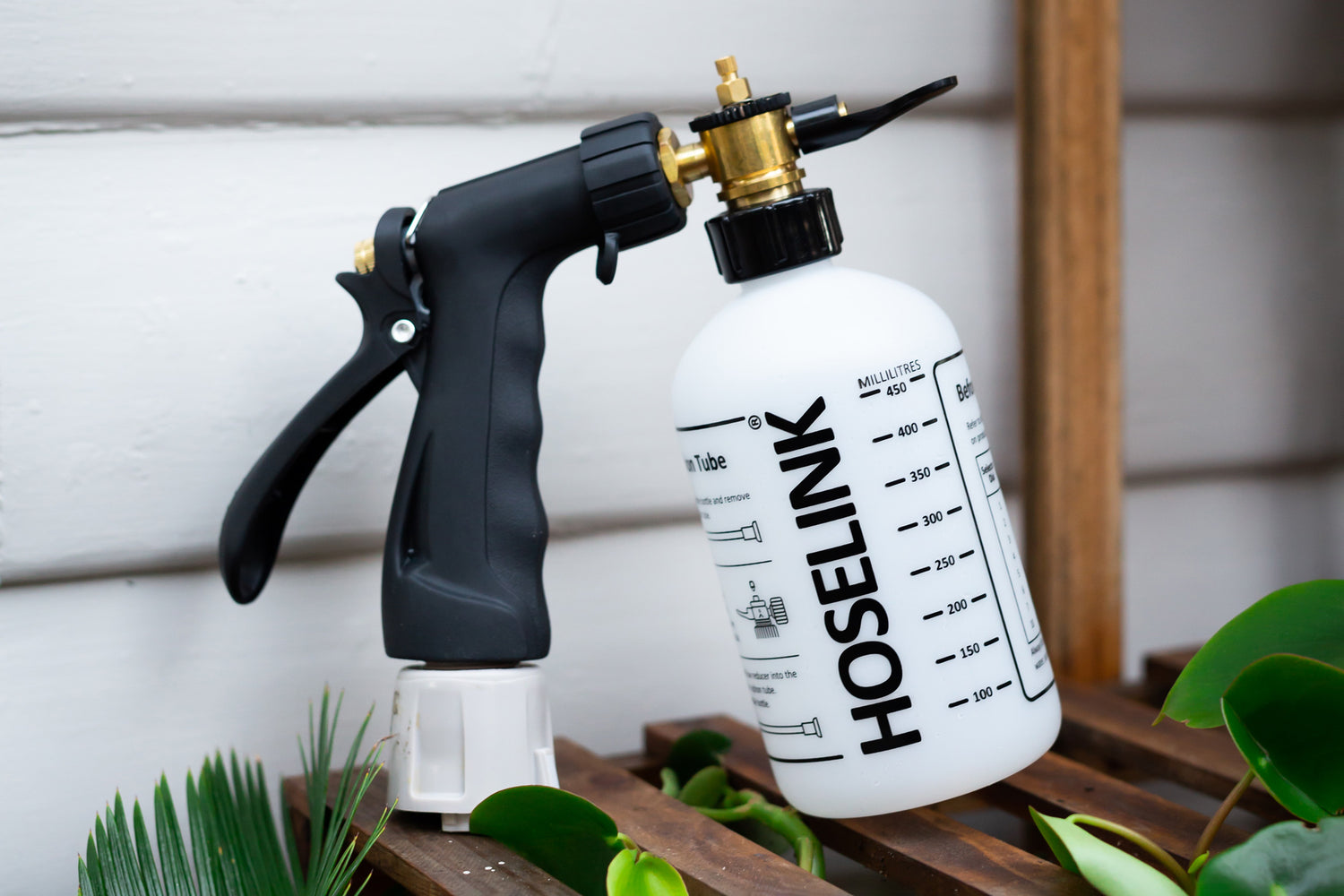
Help and support for our range of Fertilisers & Spray Mixer
Fertiliser Spray Mixer
Spray mixer - not sucking up solution
This may be due to a lack of water pressure, try turning up the tap to increase the water flow. Alternatively, your solution may be too thick. Try adding some water to the bottle to slightly dilute. Granulated fertilisers are not suitable for use with the Fertiliser Spray Mixer as this will cause blockages.
Bottle filling up with water
This may be due to a lack of water pressure. Try turning up the tap to increase the water pressure.
Alternatively, this may be due to a blockage in the unit. To flush this out, remove the reducer, set the dial to 10, fill the bottle with water and turn the sprayer on to clean out the unit.
For in-warranty replacements, please contact customer service here.
Replacement Fertiliser Spray Mixers can be purchased here.
Dilution rates
For non-Hoselink fertilisers, work out the correct setting by using the dilution table, in the 'how to' section below.
Nozzle cracked
This cannot be repaired. For in-warranty claims, please contact customer service here.
Replacement Fertiliser Spray Mixers can be purchased here.
Leaking out of the dial
This cannot be repaired. For in-warranty claims, please contact customer service here.
Replacement Fertiliser Spray Mixers can be purchased here.
No trigger pressure
This cannot be repaired. For in-warranty claims, please contact customer service here.
Replacement Fertiliser Spray Mixers can be purchased here.
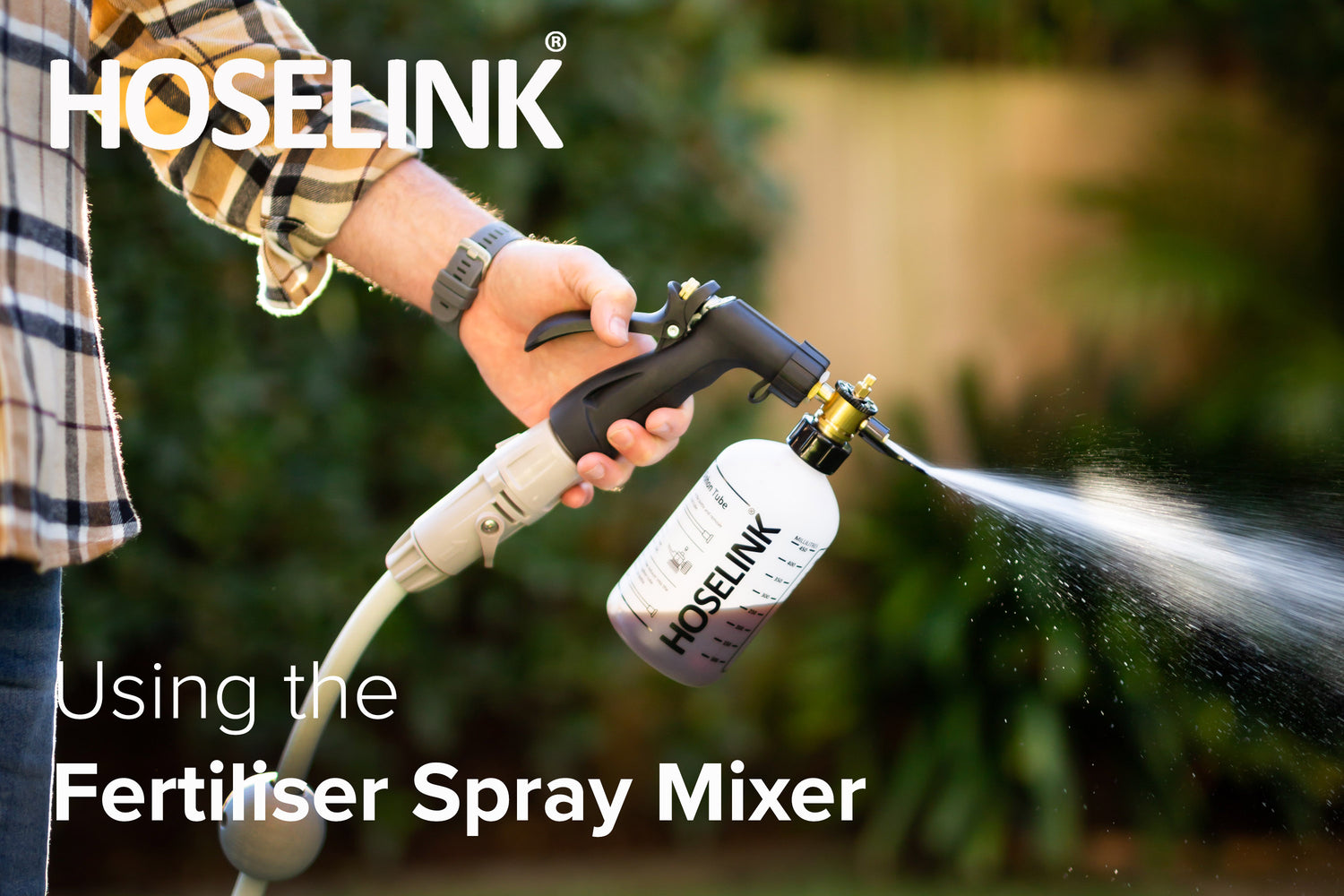
Add concentrate to the bottle, no pre-mixing required. *Please ensure you read the instructions on the fertiliser bottle as this may vary.*
Set dilution ratio by turning the selector dial until the desired number is aligned with the brass knob on the side of the dial.
To work out the setting required for your own brand of fertiliser use the table below:
Recommended Fertiliser amount (ml)
Litres of Water
Dilution Rate per Litre.
1
Attach the Mixer to your Hoselink-fitted hose using the included Accessory Connector.
Turn water flow on. Squeeze the trigger and spray on to your lawn or garden as required.
Setup & Installation
Choosing a selection results in a full page refresh.
PayPal Pay Later Messaging
Step 1: Choose message placement
Click the button below and then hover over your page to select a placement.
Step 2: Paste and save
You have copied the placement for the Product Page.
Go back to the App Embeds section, and in the Paypal Advanced Settings, paste the copied value into the
Product Page field and click the 'Save' button in the top right corner.