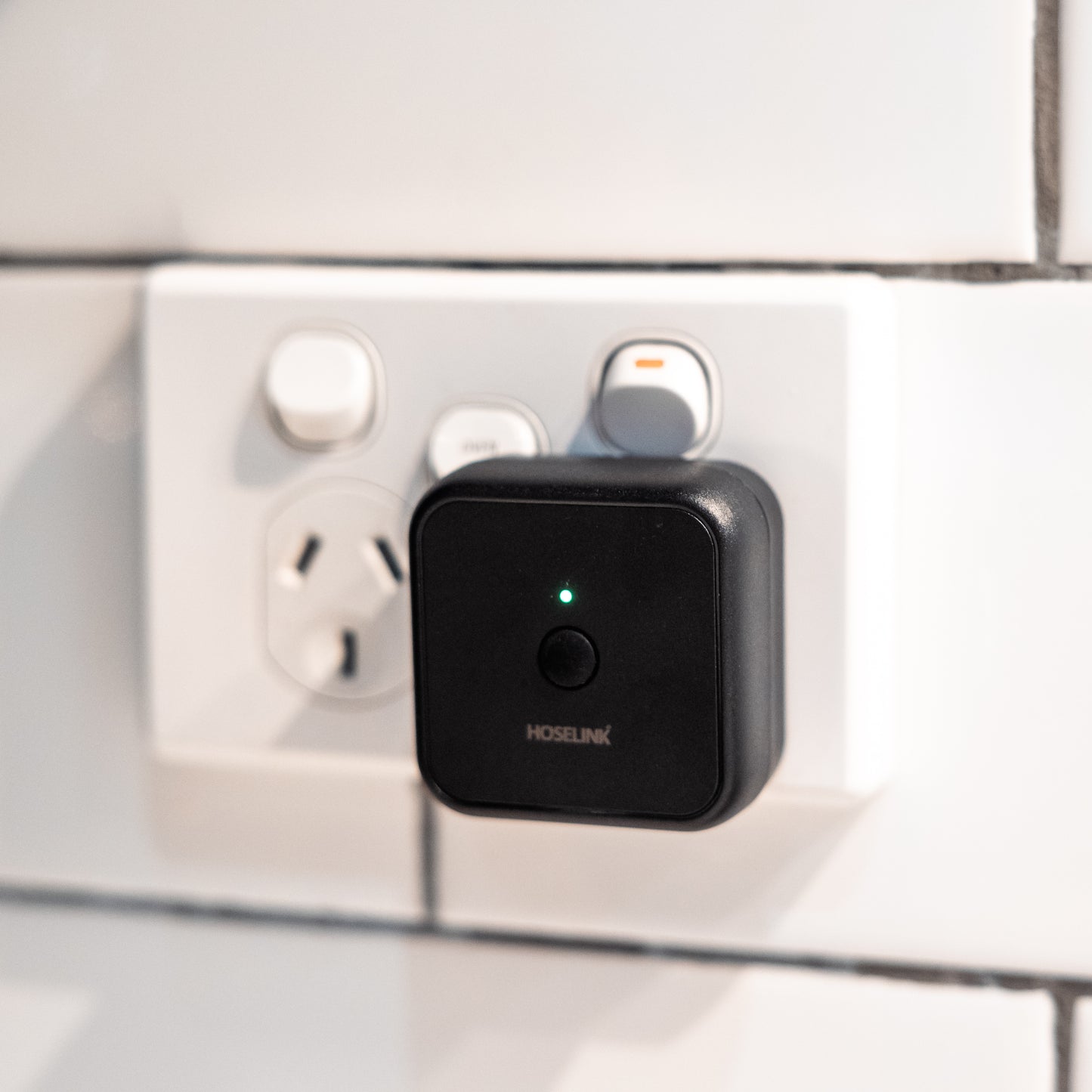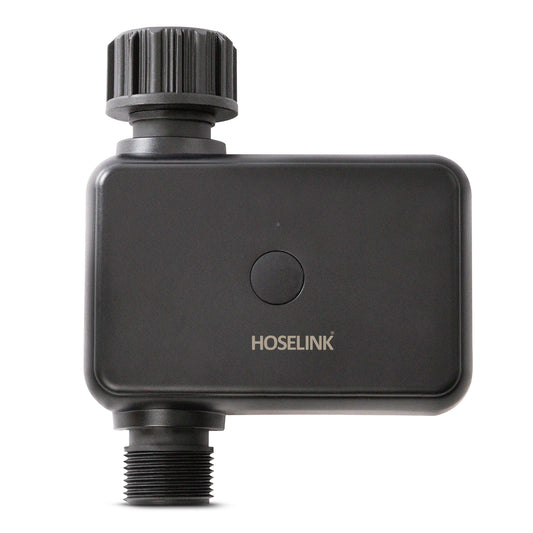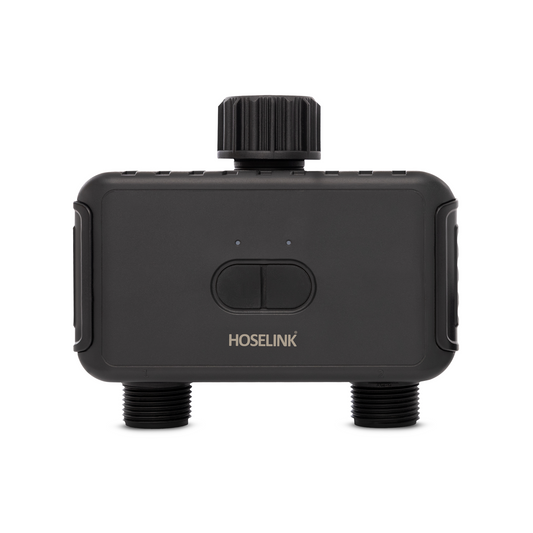
Introducing the Wi-Fi Gateway designed specifically for Single & Double Outlet Bluetooth Tap Timers, offering seamless connectivity and control from anywhere. Now, monitoring and managing your Bluetooth Timers is effortless, as long as your Wi-Fi Gateway and mobile device are connected to the internet.
Installation couldn't be simpler – just plug the Wi-Fi Gateway into any standard power outlet, and you're good to go. Acting as the middle man between your Bluetooth Timers and your Wi-Fi network, the Wi-Fi Gateway ensures that you can access and control your timers remotely.
Here's how it works: your Bluetooth Timers, typically accessible only via direct app control through Bluetooth, establish a connection with the Wi-Fi Gateway. This gateway then links your timers to your home Wi-Fi network, facilitating remote access and control from your mobile device.
For optimal performance, it's essential to maintain a strong Wi-Fi connection and ensure proximity between the Wi-Fi Gateway and your timers for Bluetooth pairing. Additionally, please note that the Wi-Fi Gateway is designed for indoor use and should be shielded from outdoor elements. As a result, its applicability on your property may be limited.
The Wi-Fi Gateway can connect to multiple tap timers and devices including other smart devices that work with either the Smart Life or Tuya apps.
*Please note: A Wi-Fi connection is required for the Gateway to function.
Terrific - program especially when away. Just set and forget!
E
Emily
I recommend this product
Rated 5 out of 5 stars
1 week ago
5 Stars
Easy to set up great product
BJ
Brian J.
Verified Buyer
I recommend this product
Rated 5 out of 5 stars
1 week ago
Gateway it.
Very easy to set up using the downloaded smartlife app. You just need the login details of your home wifi service.
RF
Roseanne F.
Verified Buyer
I recommend this product
Rated 4 out of 5 stars
3 weeks ago
Gateway connecto
I had trouble connecting the gateway to the app. Hoselink staff were very helpful & went through the steps with me on the phone - but still no connection. They sent another Gateway - no luck with that either. Then my nephew worked out that my wifi was 5g & the gateway 4g - he did what you g people do & now it is working perfectly & I can turn on my irrigation system while travelling.